- React
- TypeScript
- Framer Motion
- Mantine
- Tailwind
- Firebase
Hanepyon Layover Planner
A mascot-led PWA that turns a Haneda layover into a short trip to Kamata.
On this page
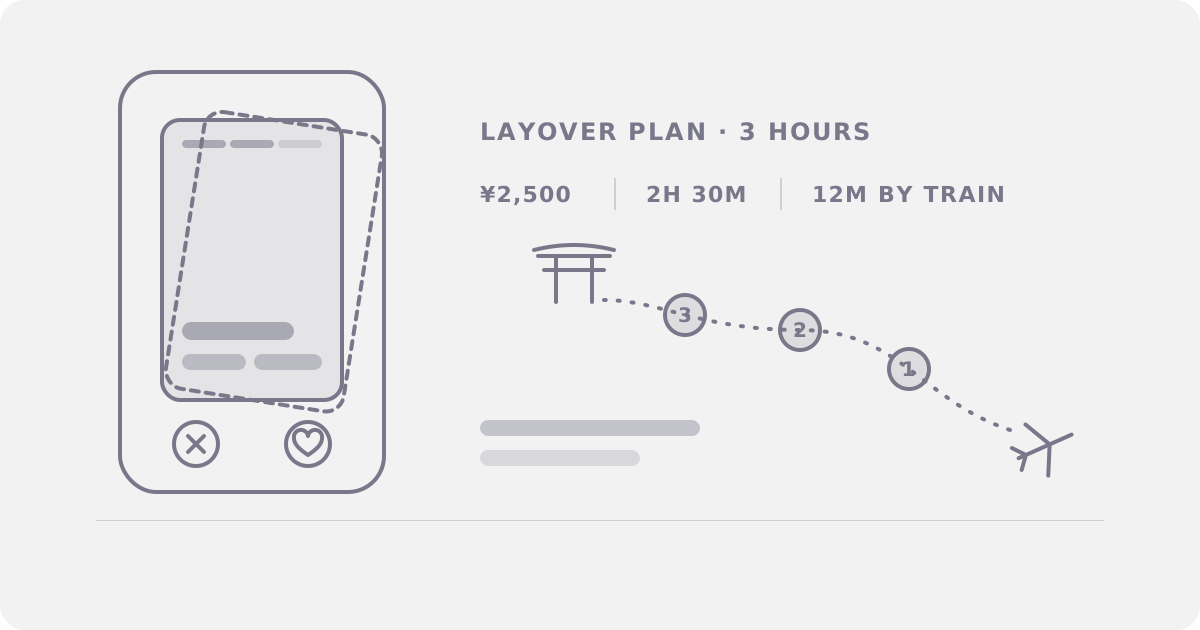
With three hours before boarding, you could stay at the gate or ride 12 minutes to Kamata for a wood-fired sento and winged gyoza. Hanepyon Layover Planner helps you plan the trip and get back in time.
The brief
The hackathon ran for three days in November 2023 at Haneda Innovation City in Tokyo. Its theme was "Trip." Organizers asked teams to connect travelers with Ota City, the ward around Haneda Airport. For many visitors, Haneda is their first stop in Japan, and they leave without seeing Ota City.
We came up with a short city trip for travelers with spare time. Ota City's mascot would guide them.
The product
Hanepyon, Ota City's mascot, guides the traveler through the app. Each screen has a voice line.
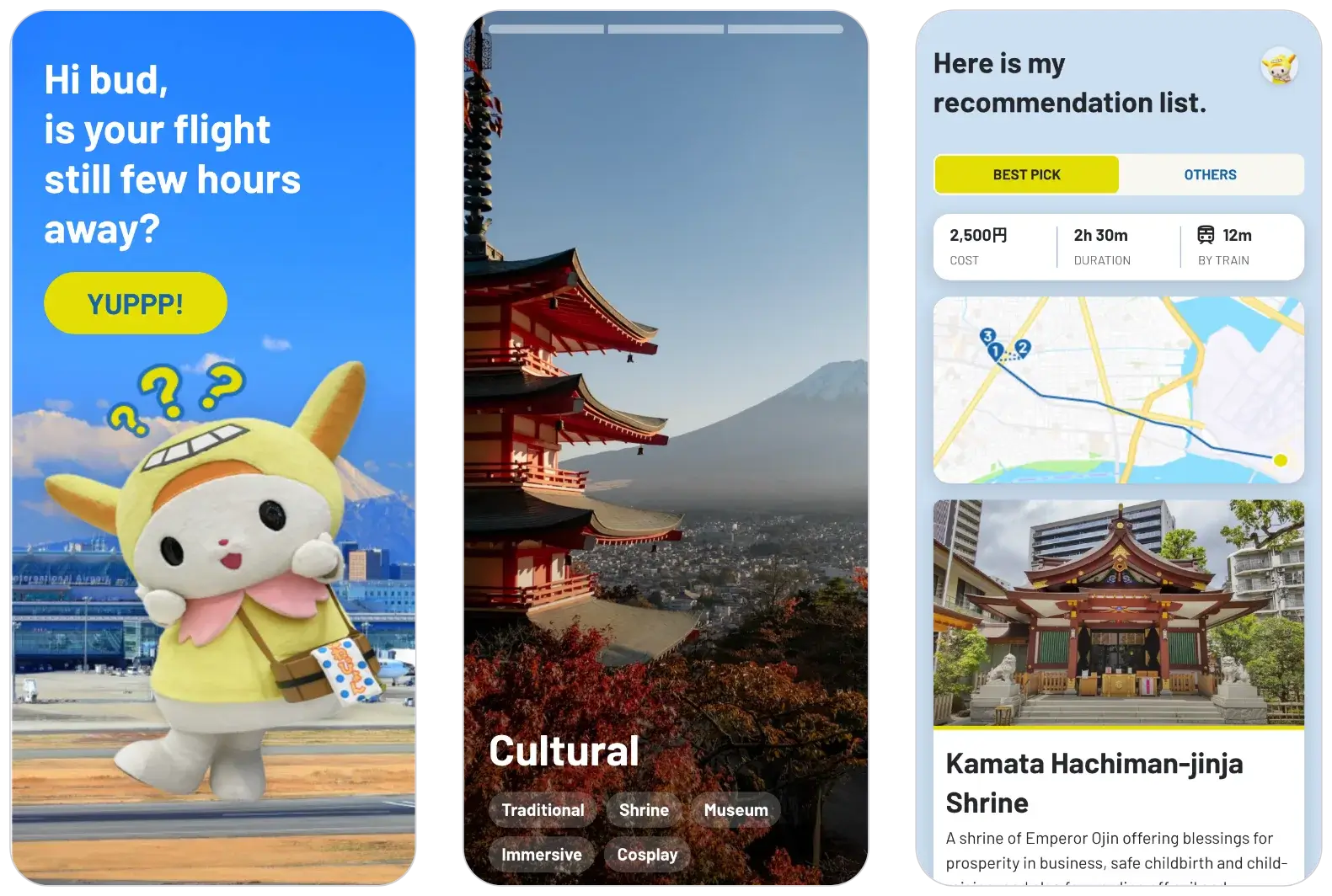
- Landing: "Hi bud, is your flight still a few hours away?" There is one button: "YUPPP!"
- Avatar: Choose a guide. Only Hanepyon was ready for the demo.
- Swipe tutorial: Two practice cards teach the swipe. Go right to like a place or left to pass.
- Next flight: "When is your next flight?" Choose 3, 6, or 12 hours.
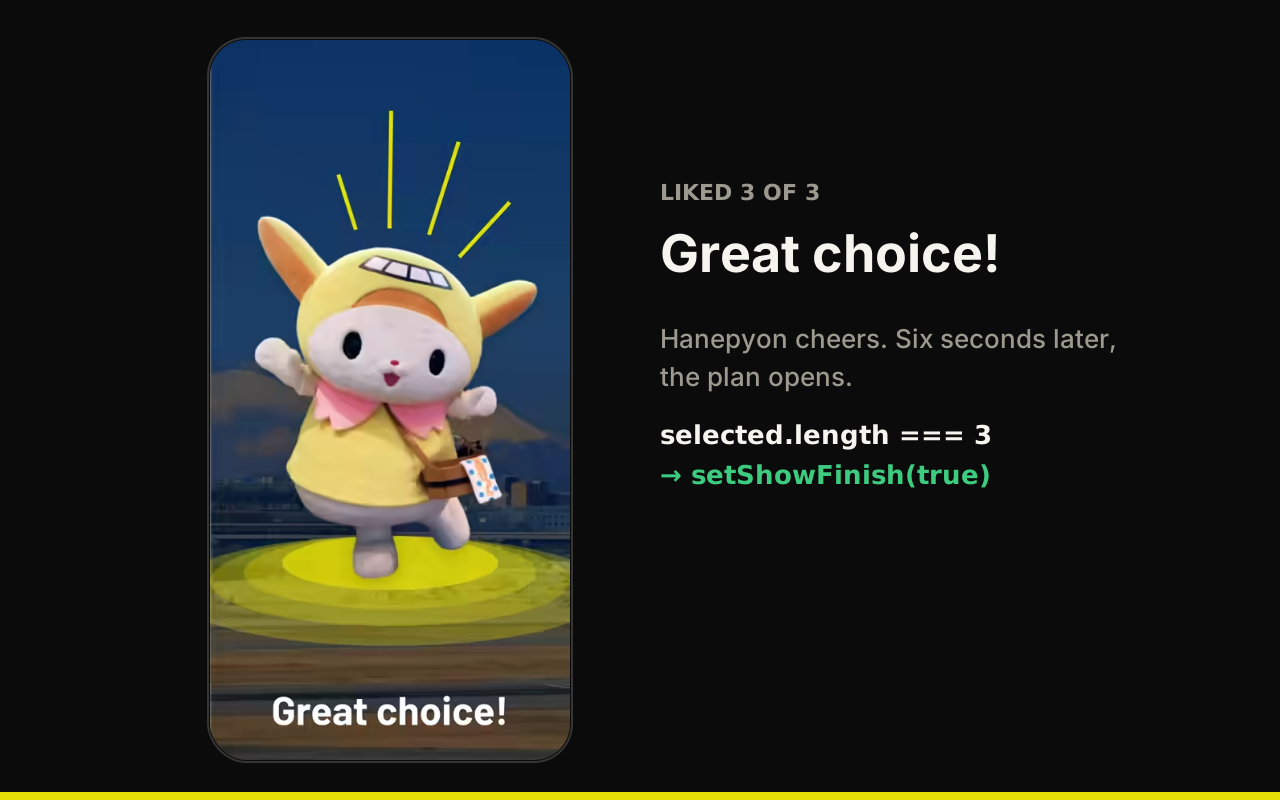
- Categories: Swipe full-screen photo cards for Culinary, Recreational, Relaxation, Shopping, and Cultural. Like three, and Hanepyon says, "Great choice!"
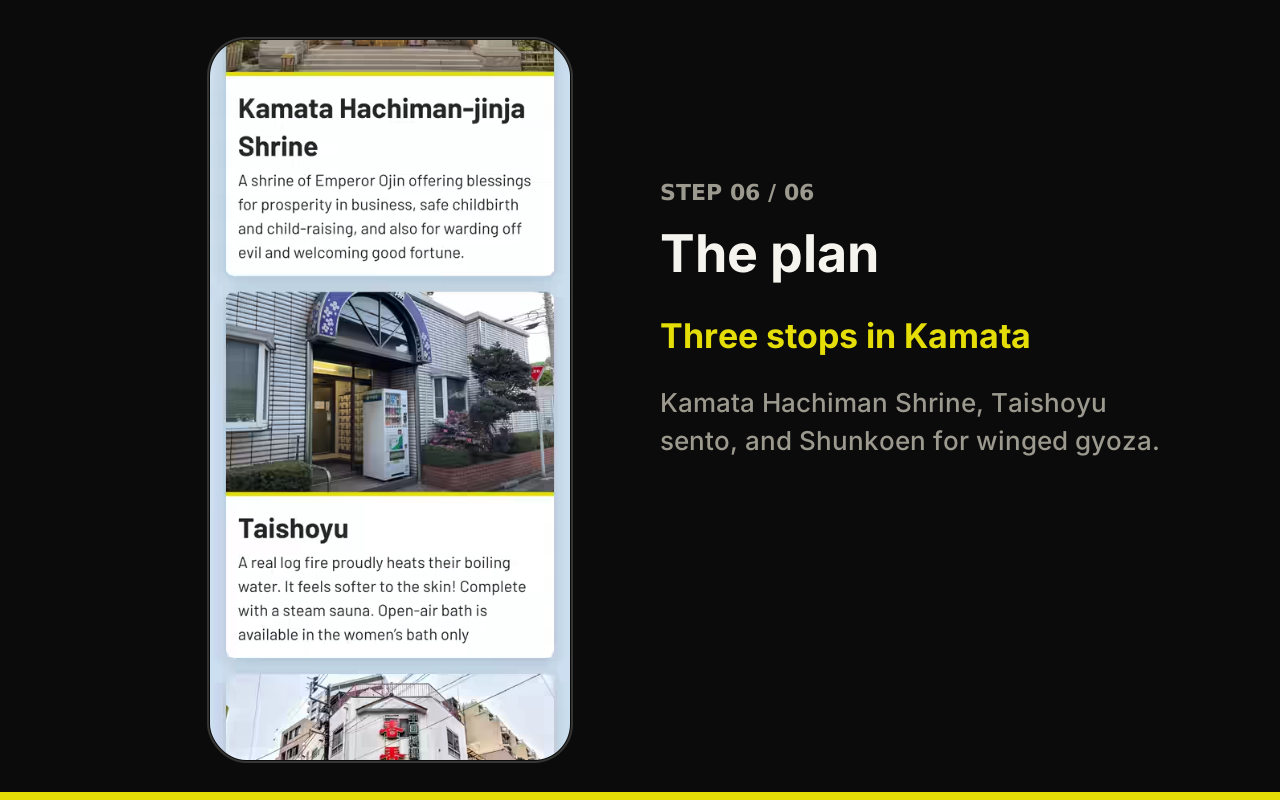
- The plan: See the route, cost, duration, and train time: ¥2,500, 2 hours 30 minutes, and 12 minutes by train. It visits Kamata Hachiman Shrine, Taishoyu sento, and Shunkoen for winged gyoza. Tap the map for Haneda transit directions in Google Maps, or scan the QR code to take the plan with you.
There is no sign-up or search. Travelers swipe through categories and get a single plan.
Ready before the clock started
I built a React template the week before the hackathon, so our small team could start on the app as soon as the event began:
- Vite, TypeScript, ESLint, and Prettier, with Husky and commitlint for each commit.
- Mantine and Tailwind for the UI, React Query and Zustand for state, Zod for validation, and React Hook Form for forms.
- Firebase for authentication, Firestore, Storage, Realtime Database, and hosting.
- The Firebase Emulator Suite for local development. It imports seed data at startup and exports the latest data at shutdown, so every developer uses the same data.
- PWA support with Workbox, and i18n for English and Indonesian.
- GitHub Actions that deploy to Firebase Hosting on each push to
mainand create a preview channel for each pull request.
The template was ready, so we could build the app's features from the first hour.
How we built it
There were six of us: two software engineers, one designer, and three system consultants. The consultants came up with the idea and made the pitch deck. The designer created the screens. My fellow engineer built the swipe tutorial, flight-time screen, and plan page. He also recorded Hanepyon's voice and pitched the product on the last day.
I built the swipe engine and screen flow, along with the landing, avatar, and category screens. I also added the map link.
I used Framer Motion's drag support for the category cards. A swipe over 30px to the right counts as a like; one over 30px to the left counts as a pass. The card then moves off-screen in that direction.
<motion.div
  exit={{ x: leaveX, opacity: 0, scale: 0.5, transition: { duration: 1 } }}
  drag
  dragConstraints={{ left: 0, right: 0, top: 0, bottom: 0 }}
  onDragEnd={(_e, info) => {
    const liking = info.offset.x > 30;
    const skipping = info.offset.x < -30;

    if (liking) {
      setLeaveX(1000);
      onSwipe("liking");
    }
    if (skipping) {
      setLeaveX(-1000);
      onSwipe("skipping");
    }
  }}
>
The onboarding flow uses one route. A step query parameter (landing, avatar, how-to-use, time, or category) selects the screen. The browser back button works. During the pitch, we could also open any screen by URL.
Browsers block audio until the user interacts with the page. The first voice line plays when they tap Hanepyon; each screen can play its own line after that.
Real and scripted
The demo always shows the same three stops. Swipes and flight time move the traveler through the flow, but the plan stays the same. We had three days, so we focused on the experience and left the recommendation engine for later.
A real version would need current place data, useful recommendations, accurate timing, and more languages:
- Current place data: The city or local shops would need to keep opening hours, prices, and photos up to date.
- Recommendations: Liked categories and available time would filter and rank places. A three-hour layover cannot fit a two-hour bath.
- Timing: The app would need live train times and a buffer to get back through airport security.
- Languages: The app would need Japanese and the languages spoken by travelers at Haneda.
The verdict
We did not win an award. The judges liked the UI and UX and thought the idea was valid, but said it would be difficult to deploy the app in the airport.
Their feedback made sense. We had built the screens and flow, while a real version still needed current place data, reliable timing, local shop partners, and recommendation logic.